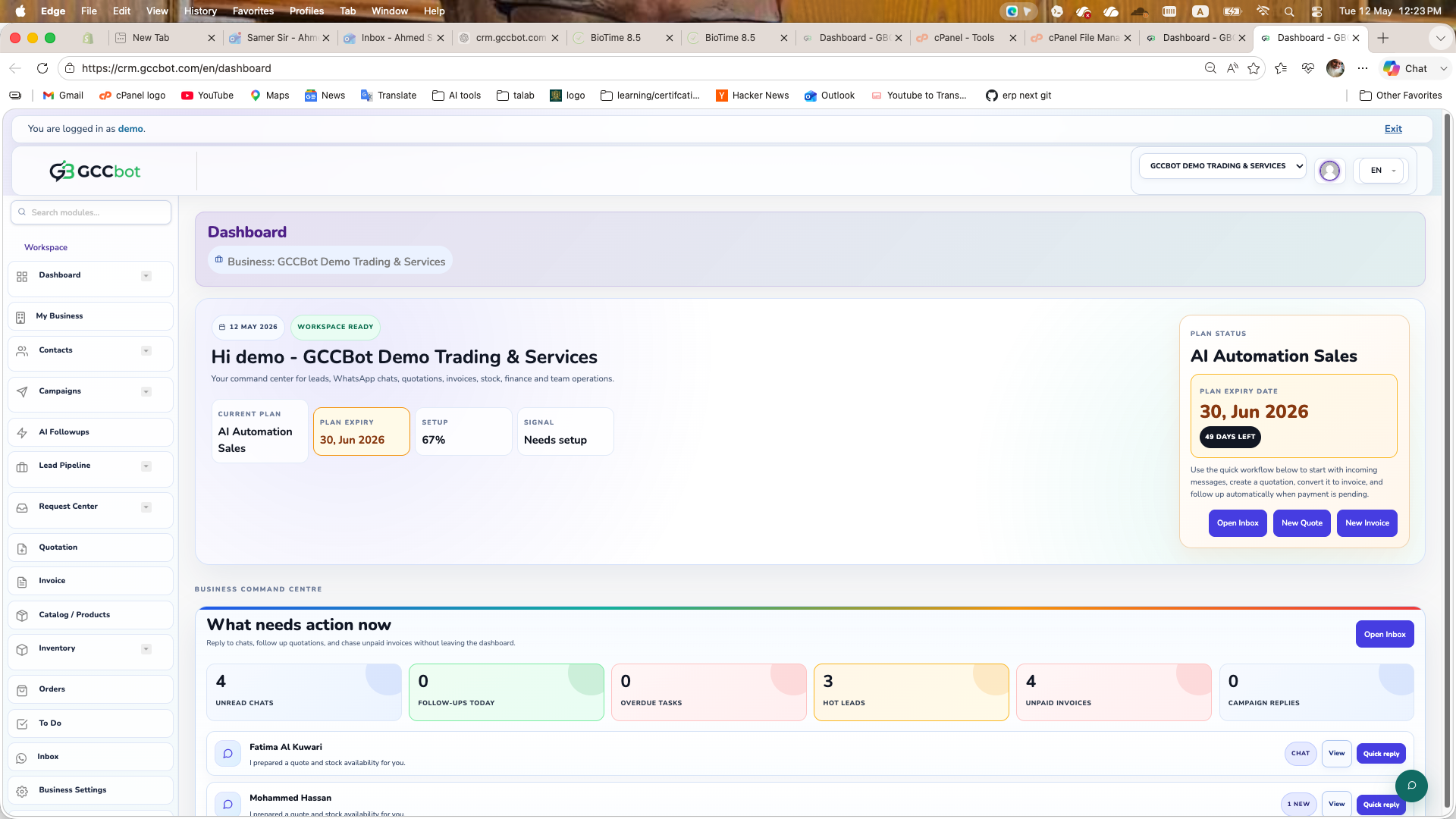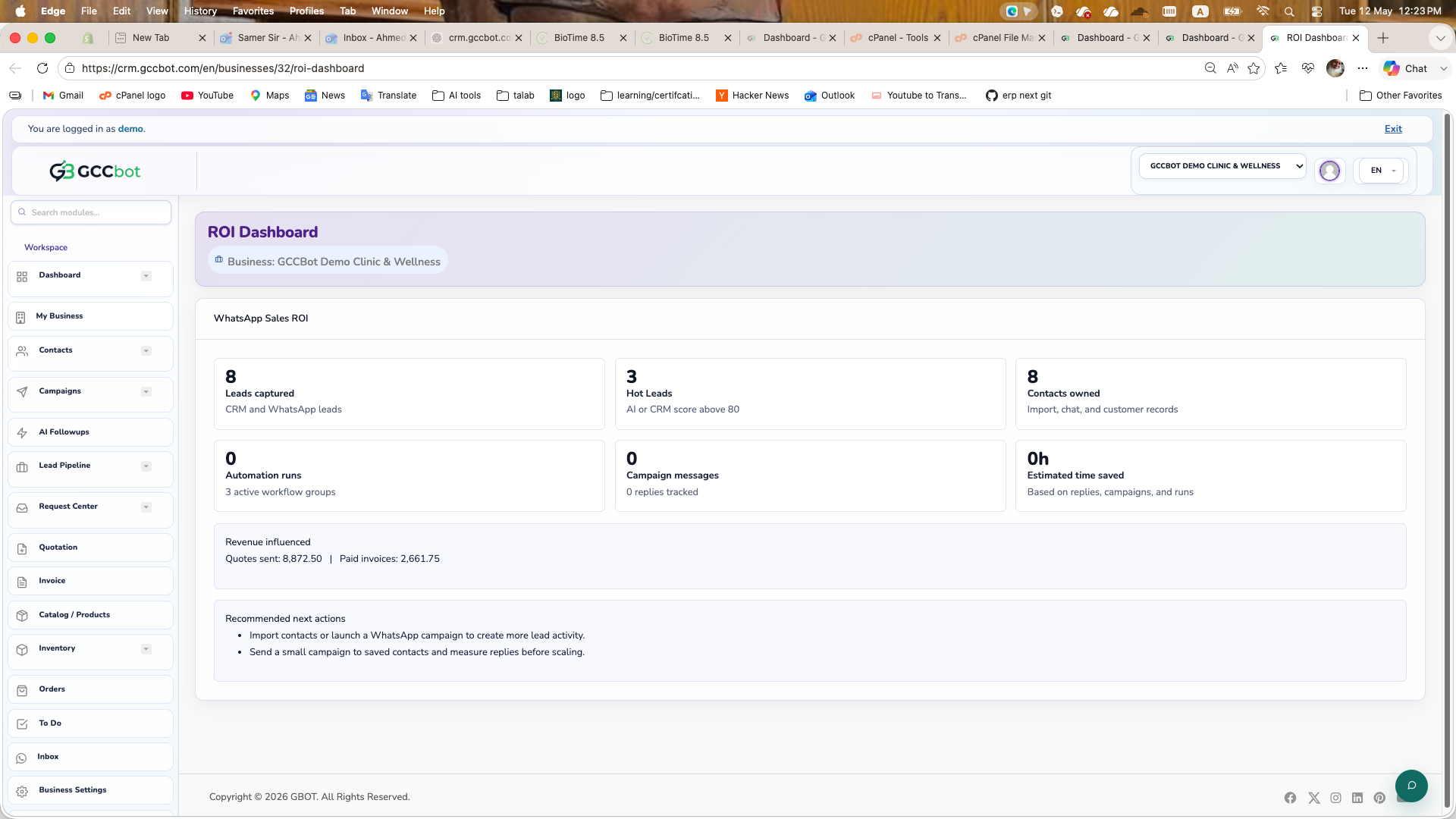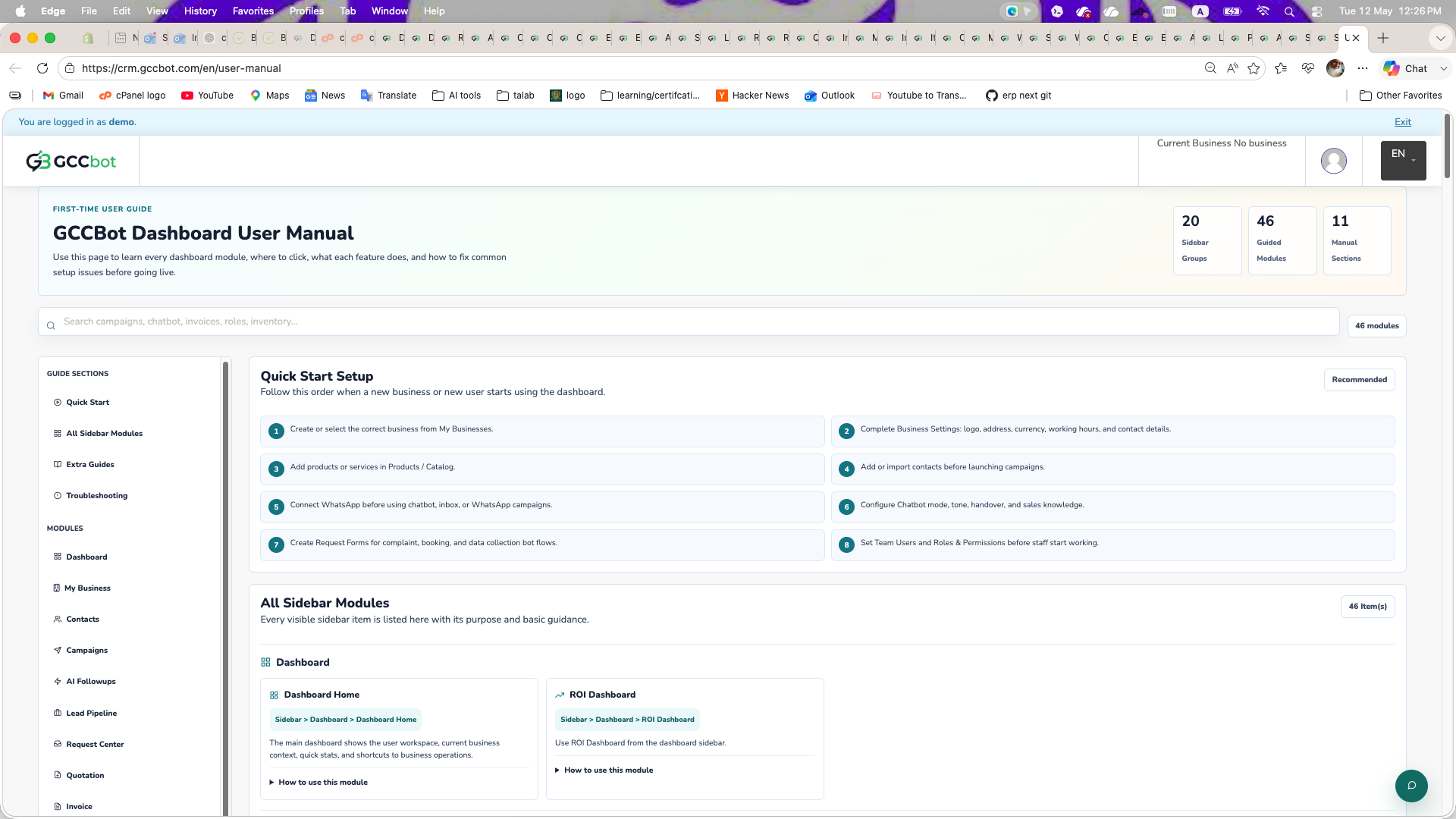
User Manual

Step-by-step guide to start and use CRM modules efficiently.

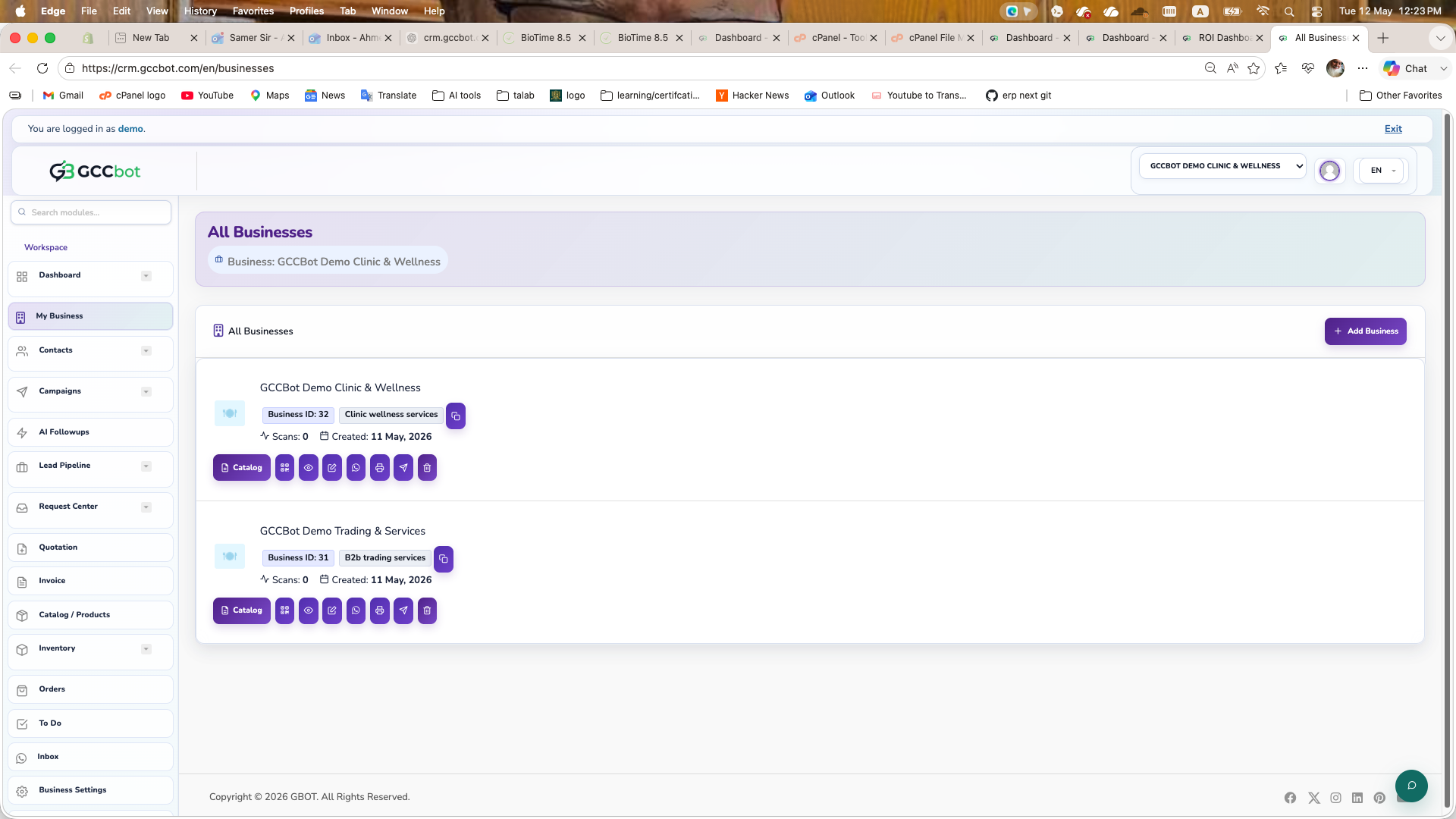
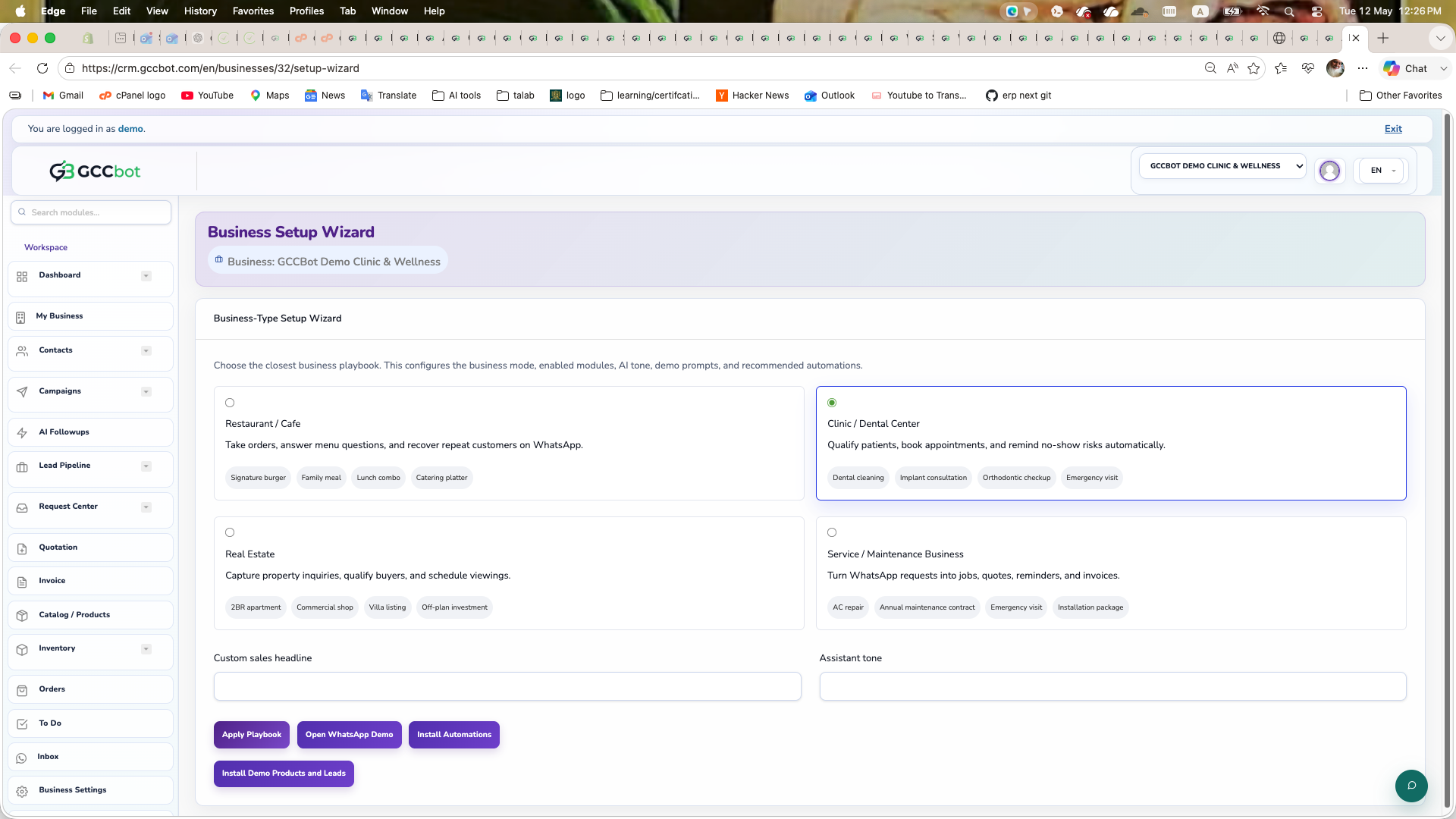
Add a Business

Create your first business workspace before adding products, contacts, and campaigns.

Overview

This creates the main workspace where your CRM data will be stored.

Steps
  1. Open Dashboard > Add Business.
  2. Enter business name, logo, contact details, and business type.
  3. Save and select the business as current context.
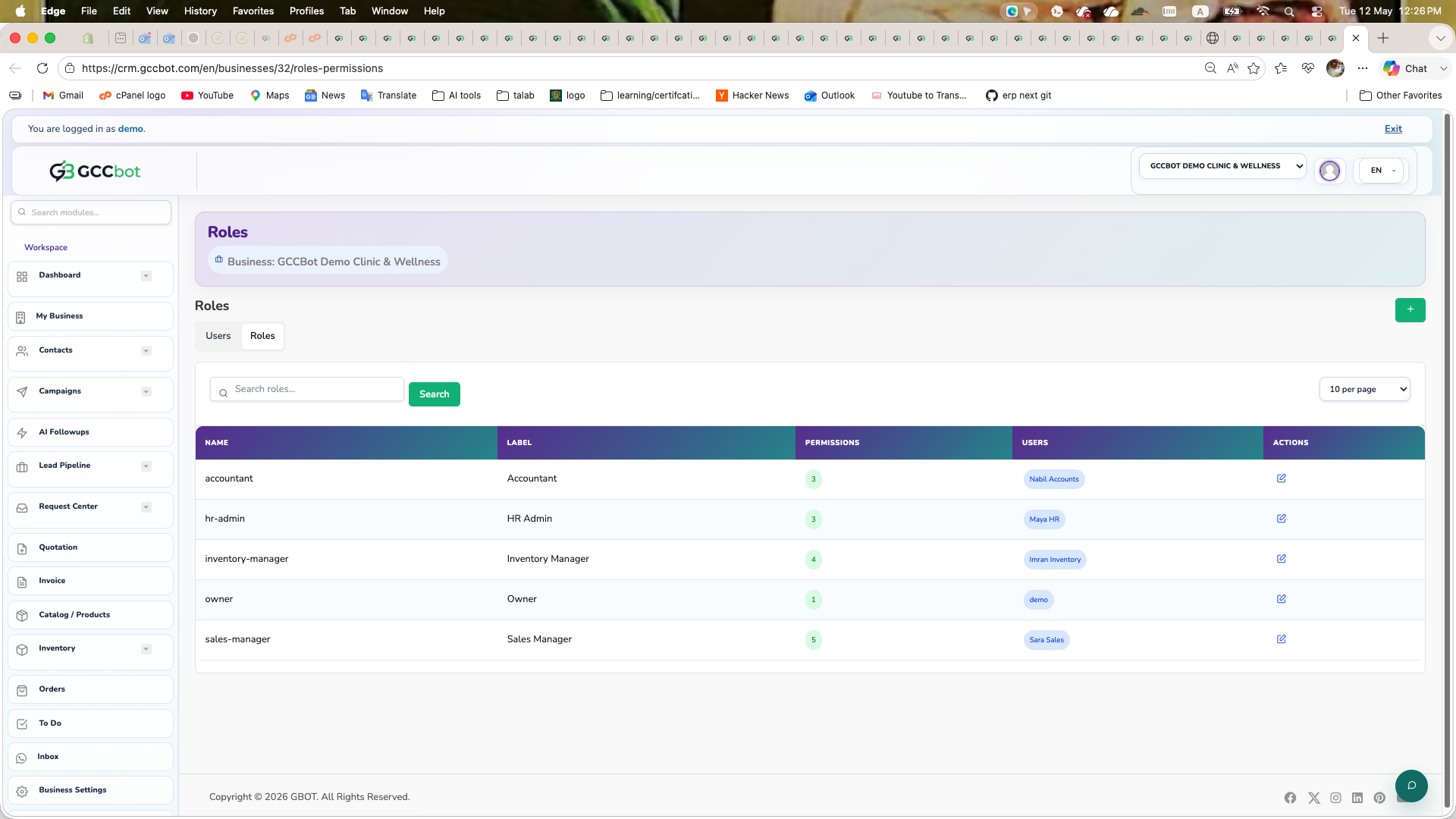
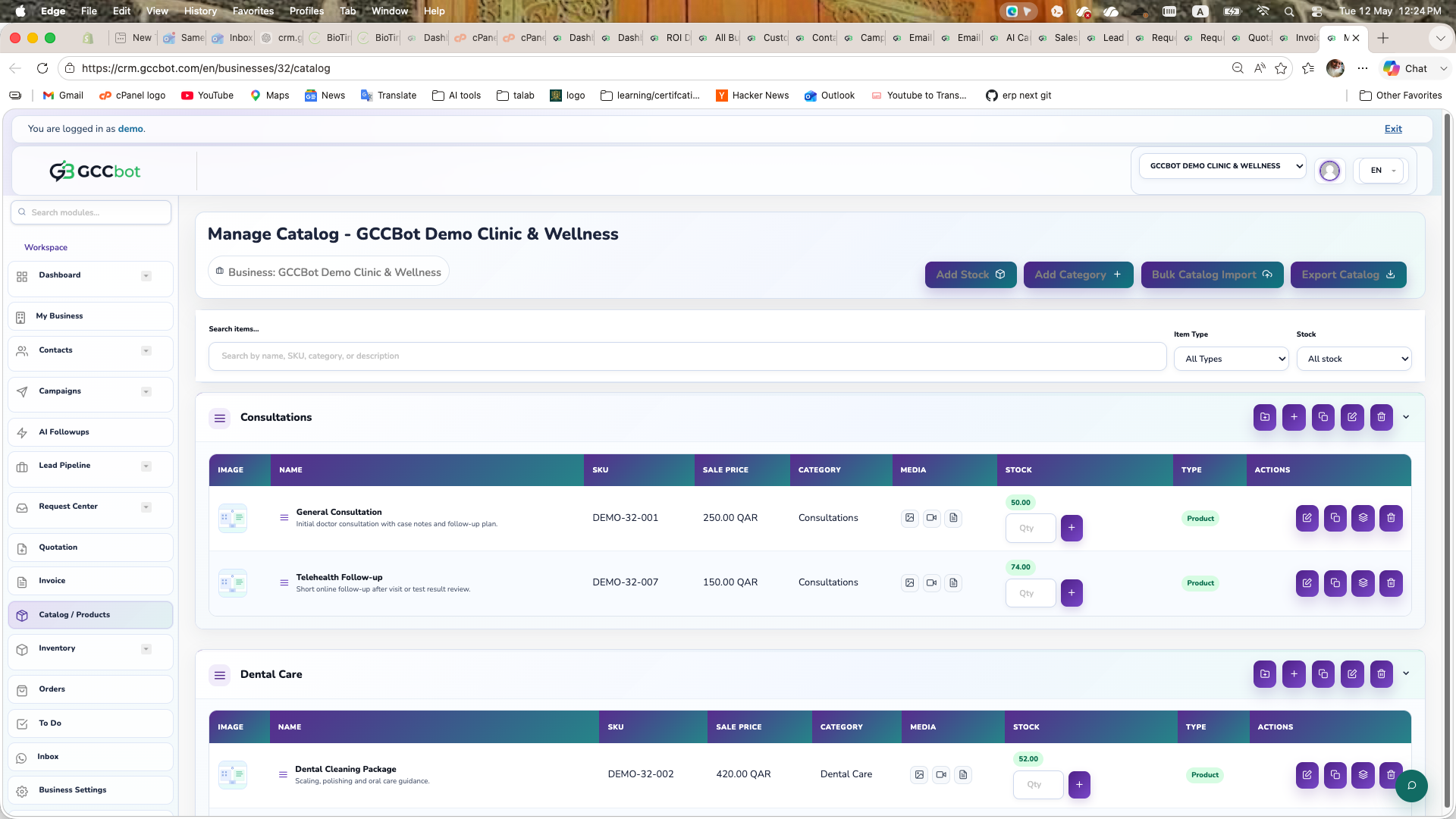
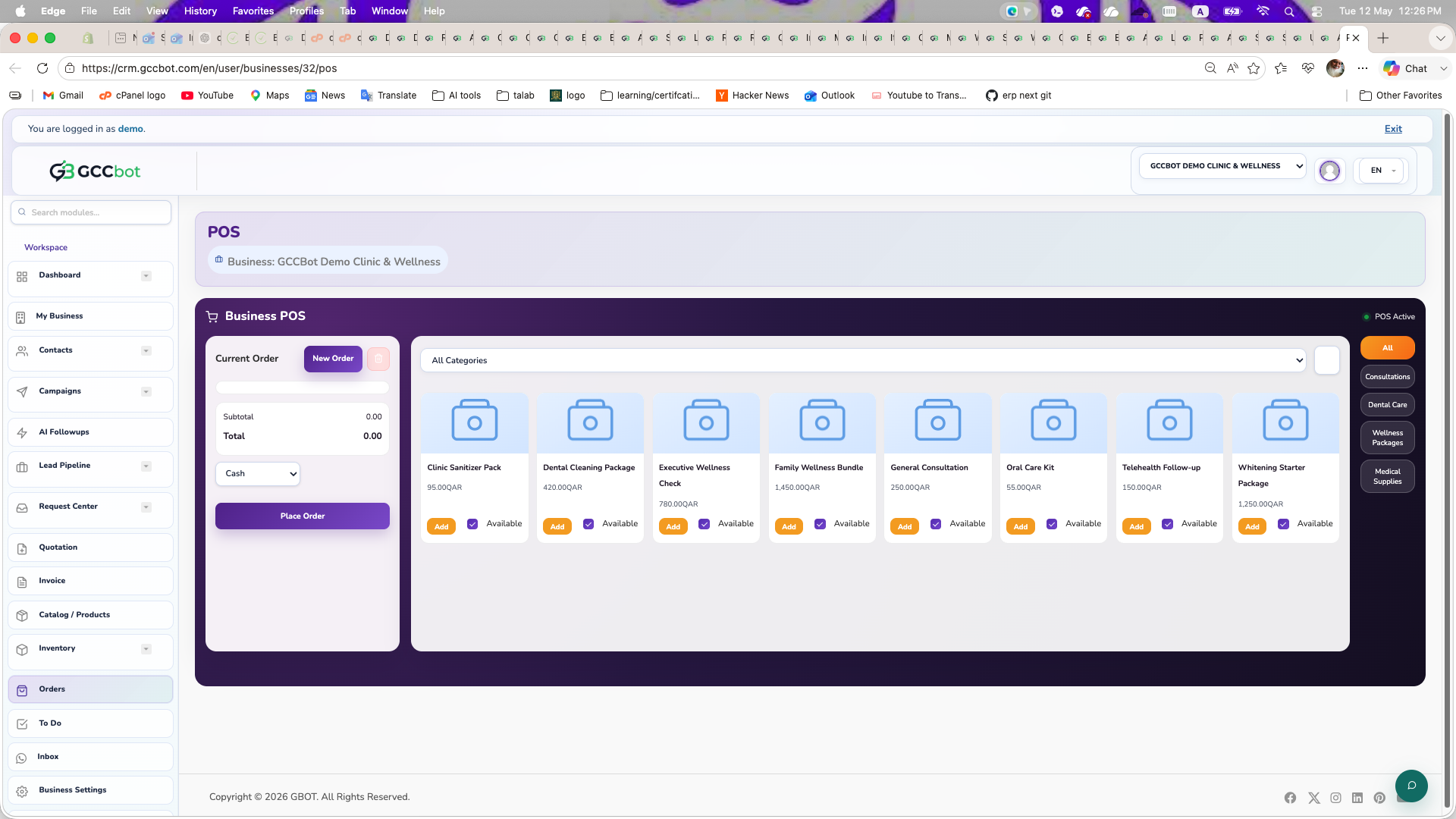
Add Products in Catalog

Build your catalog for sales, AI recommendations, quotations, and invoice flow.
Manual Product Entry
  1. Go to Products / Catalog.
  2. Create categories and optional subcategories.
  3. Click Add Product and fill name, price, description, and image.
  4. Save and verify the item is active.
Bulk Import Option
  1. Download Sample Excel from Catalog tools.
  2. Fill category, item name, price, and description columns.
  3. Import the file and validate imported records.

Phone Books Setup

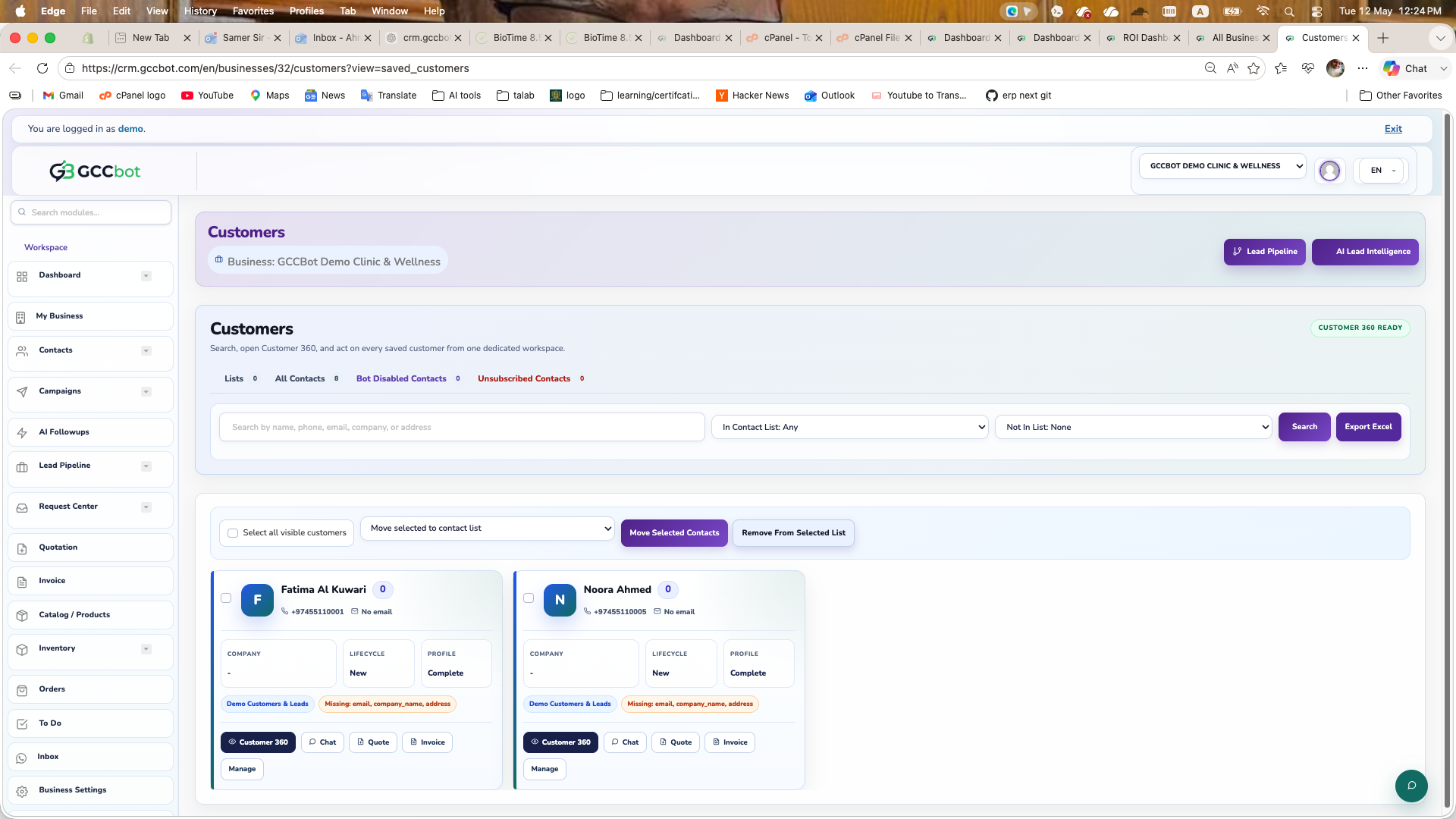
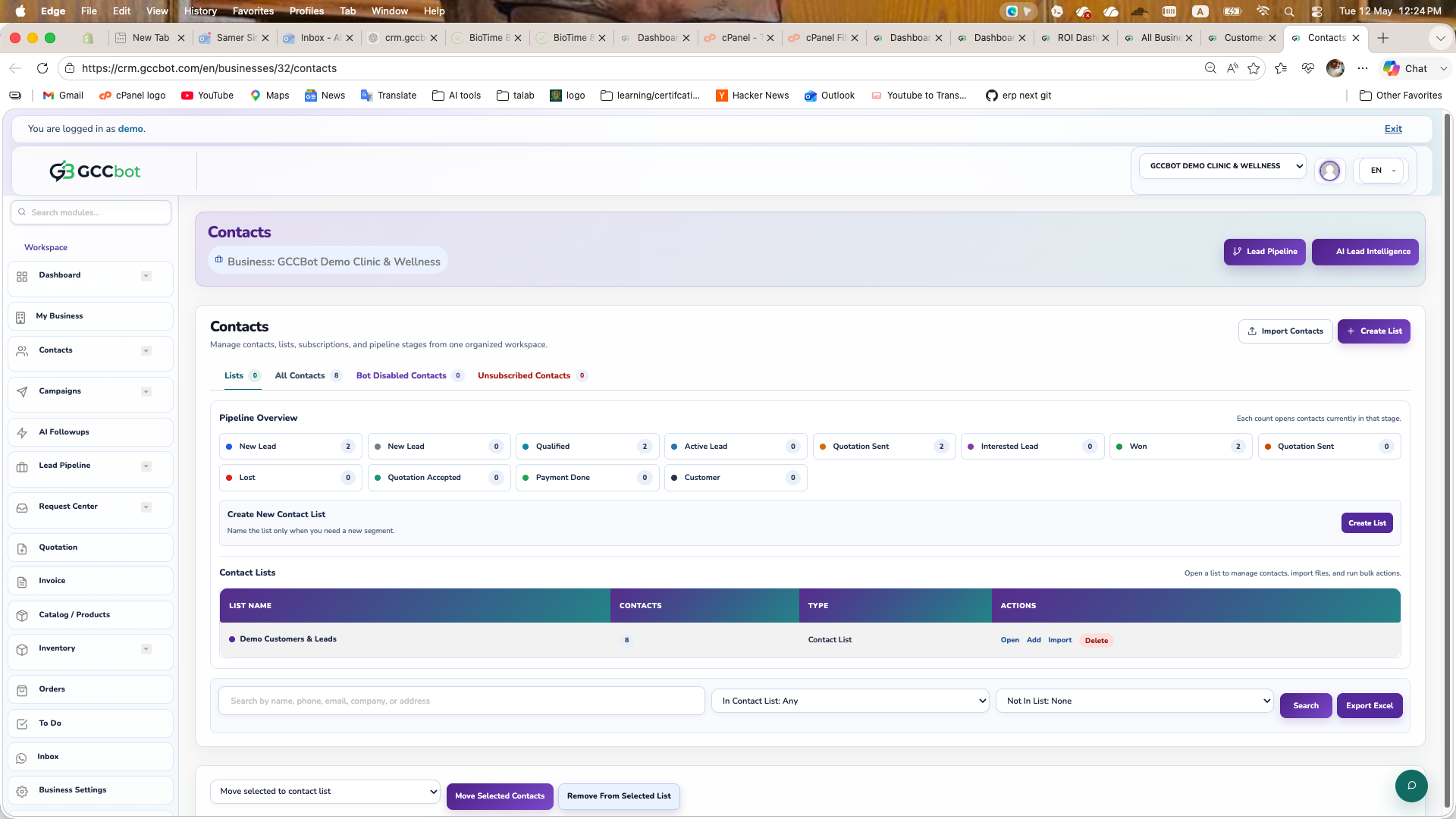
Organize contacts into phone books for campaign targeting and pipeline workflows.

Create and Use Phone Books
  1. Open Phone Books module.
  2. Create a new phone book for each audience segment.
  3. Import or add contacts manually.
  4. Use phone books while sending campaigns and automation flows.

Normal Campaign vs AI Campaign

Choose the right campaign type depending on your objective.

Difference

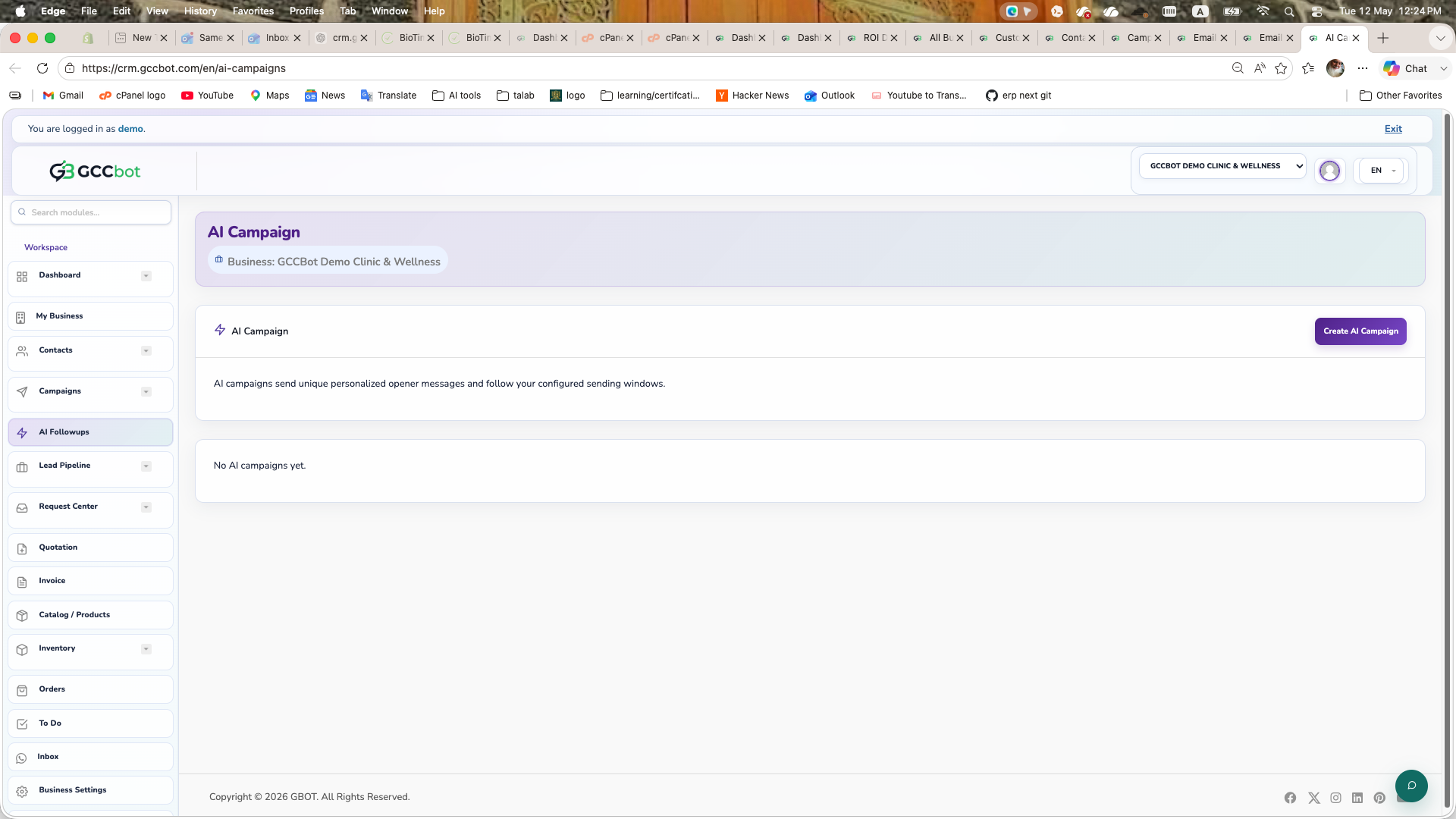
Normal Campaign sends your exact prepared message. AI Campaign can personalize message content, sequencing, and optimization using AI settings.

When to Use
  1. Use Normal Campaign for fixed announcements and strict templates.
  2. Use AI Campaign for smart outreach, personalization, and lead quality optimization.
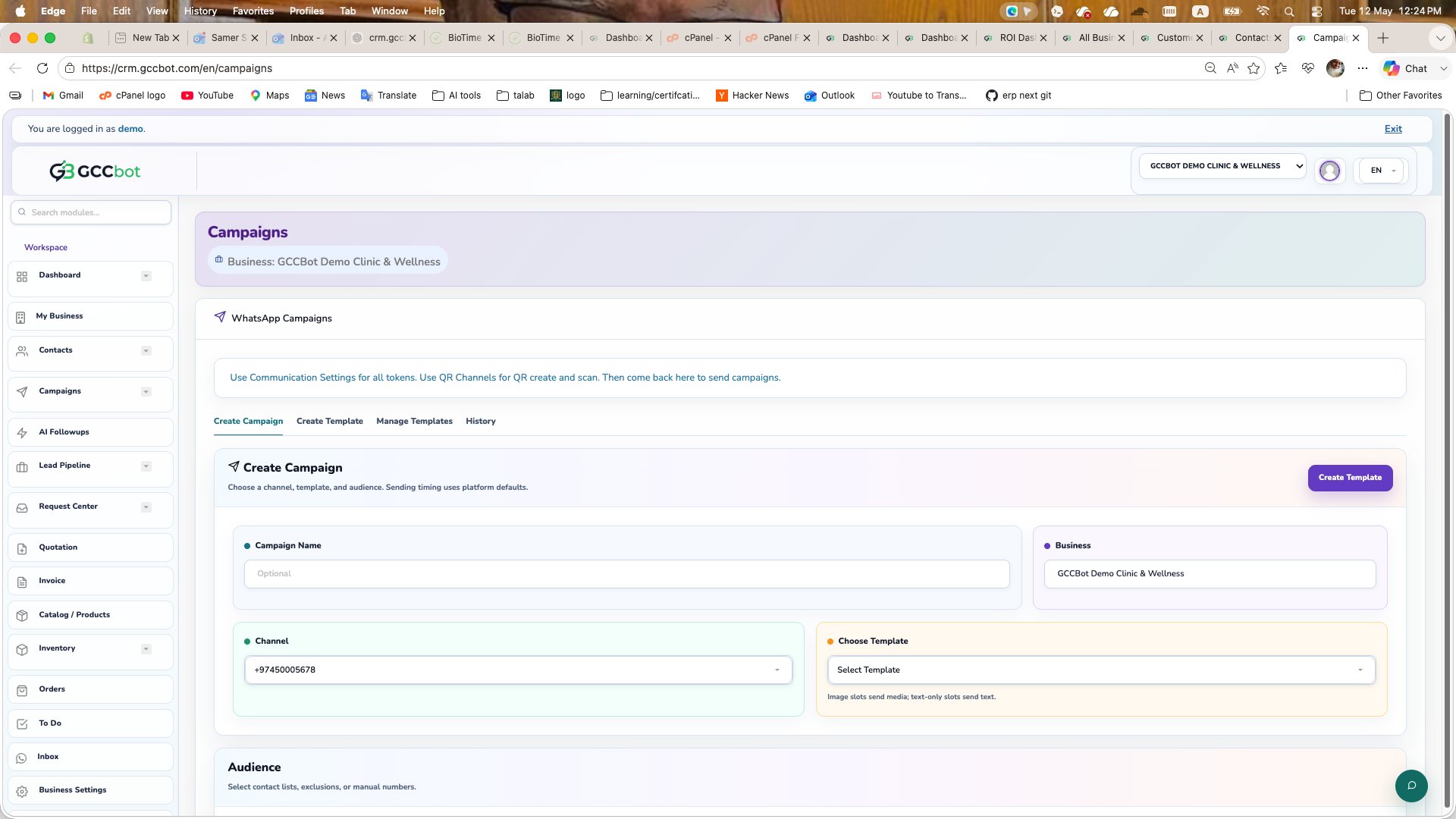
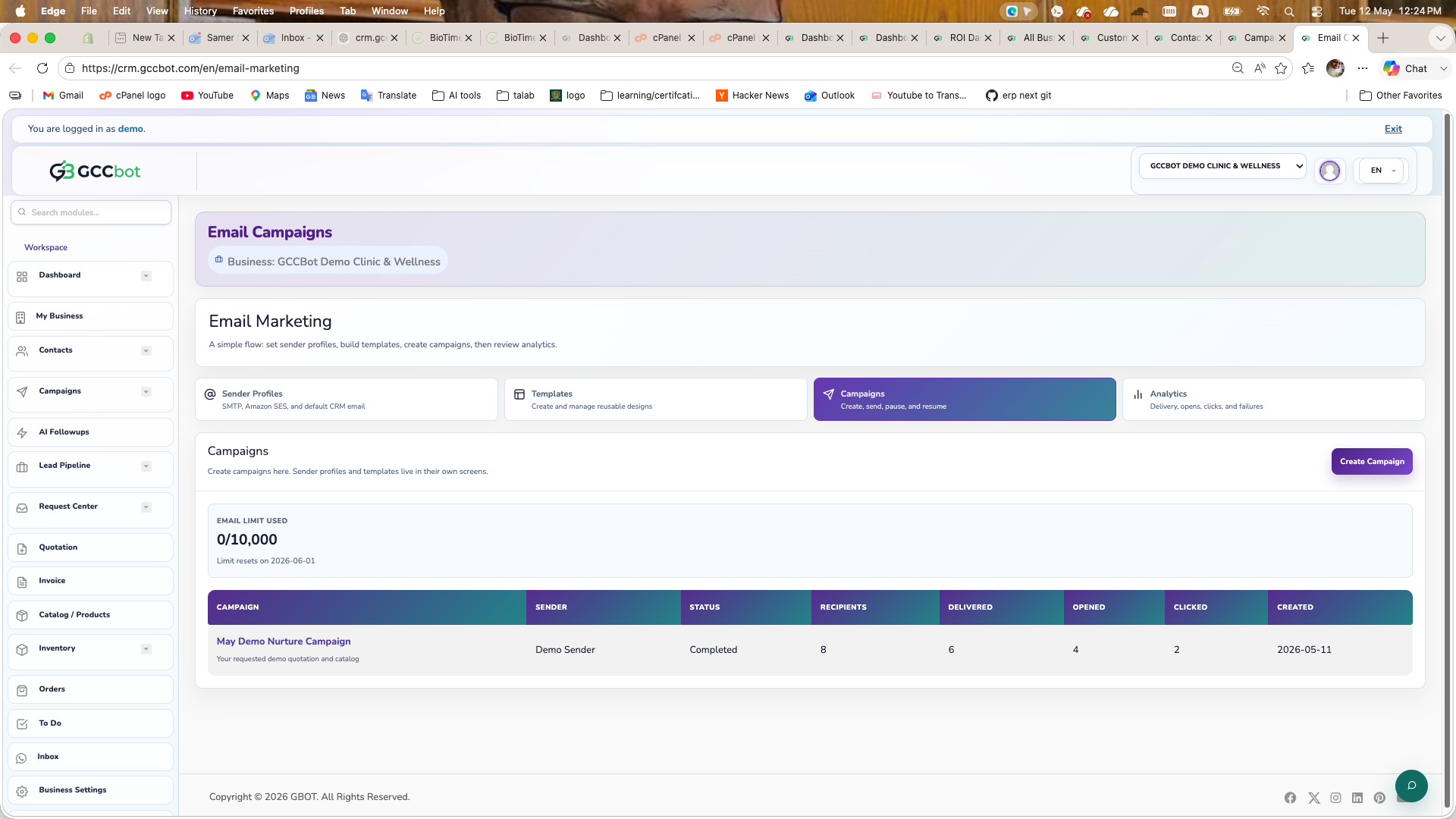
Send Normal Campaign
  1. Go to Campaigns.
  2. Choose audience from phone books.
  3. Write message, review, and send.
Send AI Campaign
  1. Go to AI Campaign module.
  2. Define objective, audience, and guardrails.
  3. Review AI preview and launch campaign.

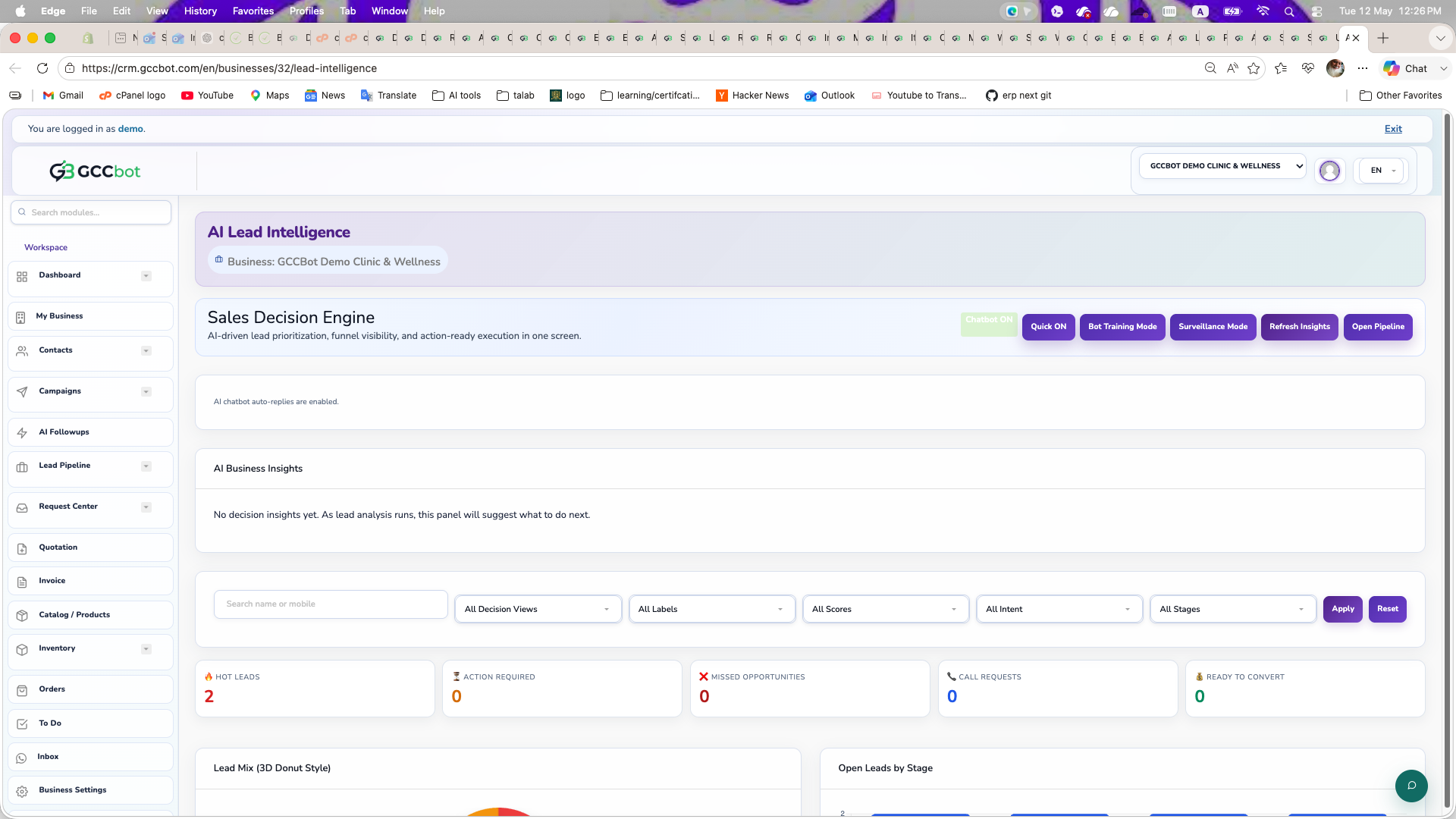
Lead Pipeline: How It Works

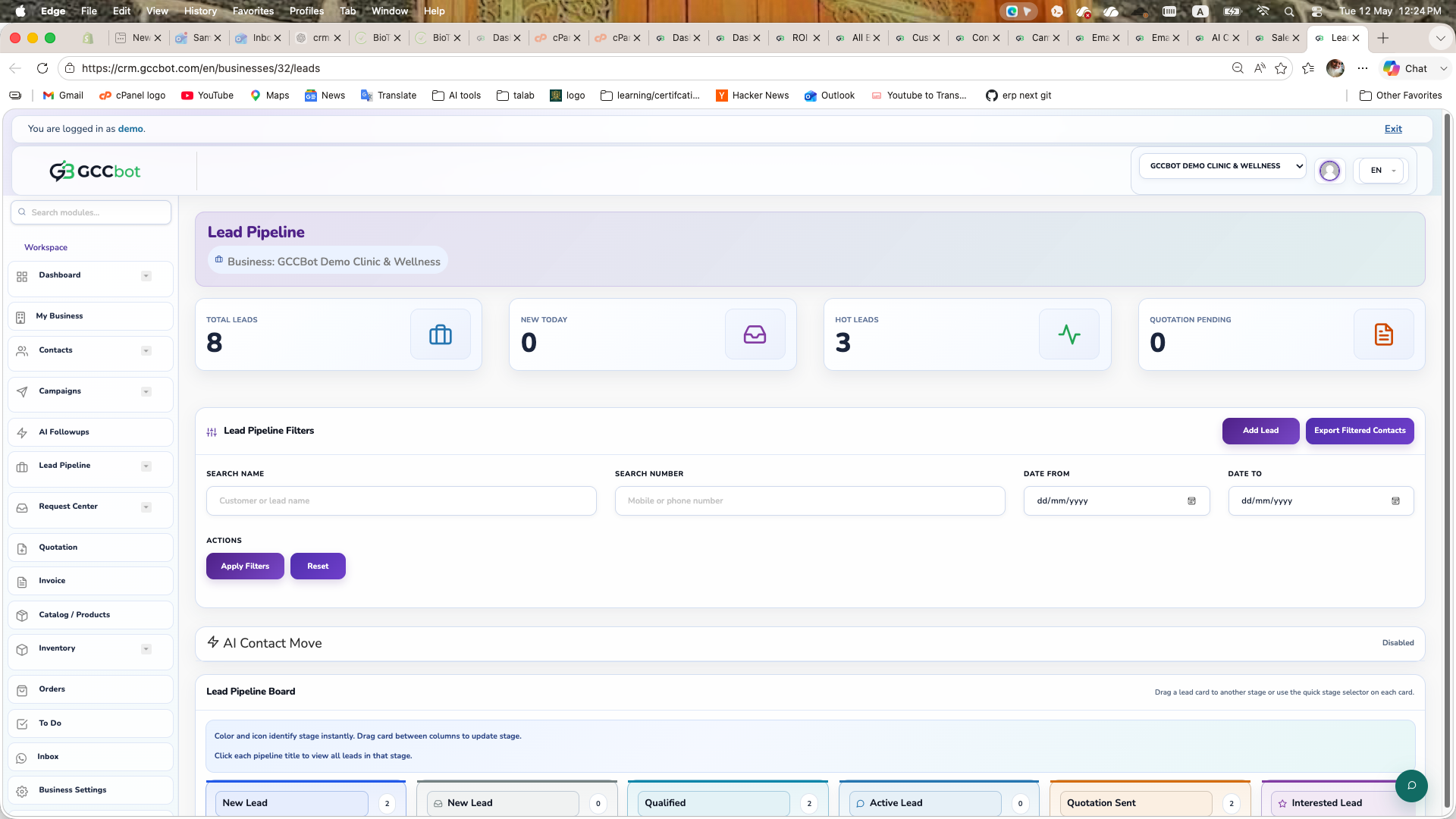
Track each lead stage from first contact to conversion.

Pipeline Flow
  1. Open Lead Pipeline.
  2. Create stages for your sales process.
  3. Move leads between stages based on interaction outcome.
  4. Use notes, reminders, and follow-up tasks for every lead.

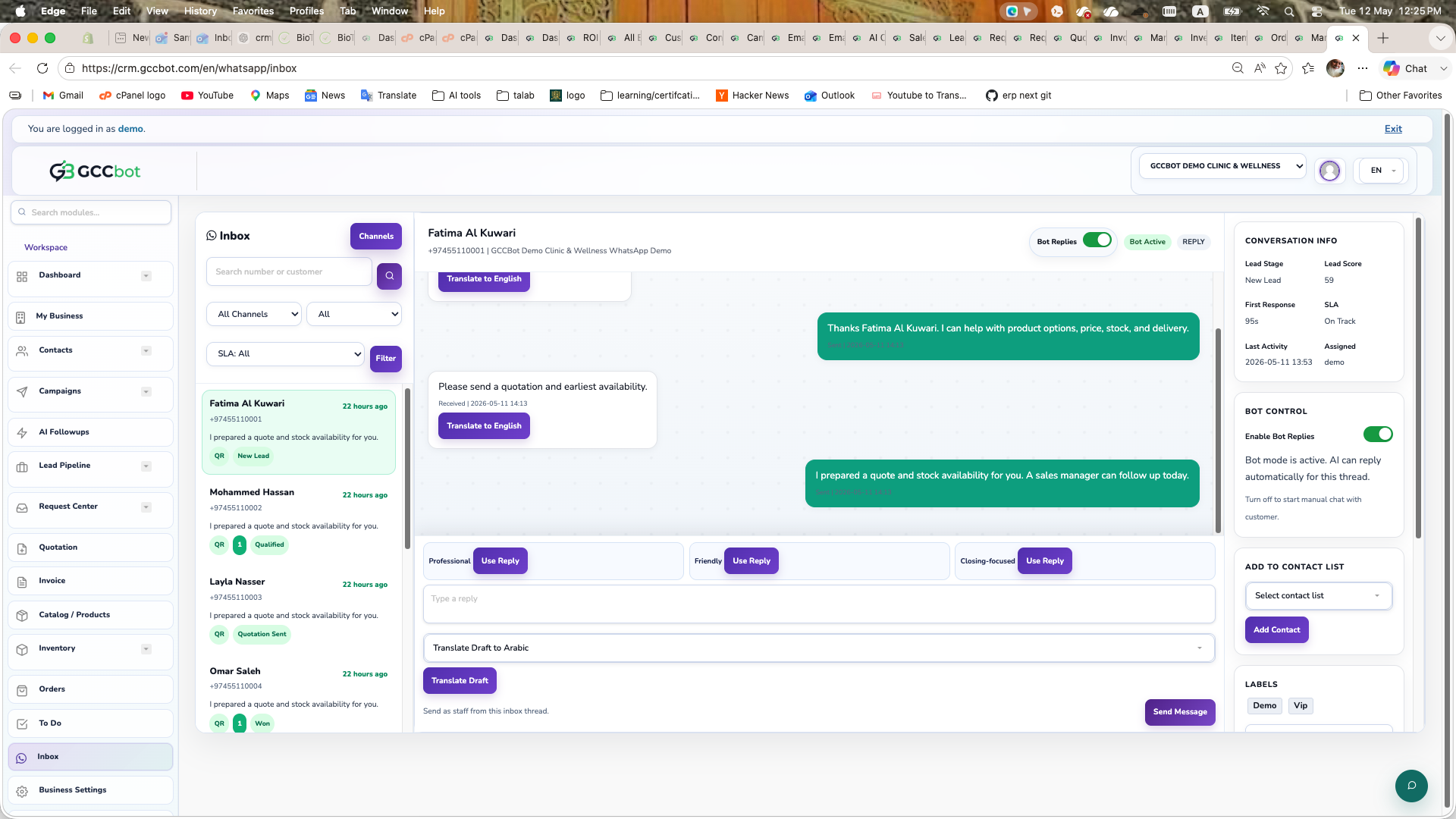
WhatsApp Channel and QR Connection

Connect WhatsApp and activate message flow through QR setup.

QR Setup via gccbot.com
  1. Open gccbot.com/user in browser.
  2. Sign up or log in with your assigned account.
  3. Ask admin to activate your account if needed.
  4. Open profile menu and choose Add New WhatsApp by QR.
  5. Scan the QR code from your WhatsApp app to connect.
In CRM

After QR connection, return to Marketing & WhatsApp modules and verify channel status is connected.

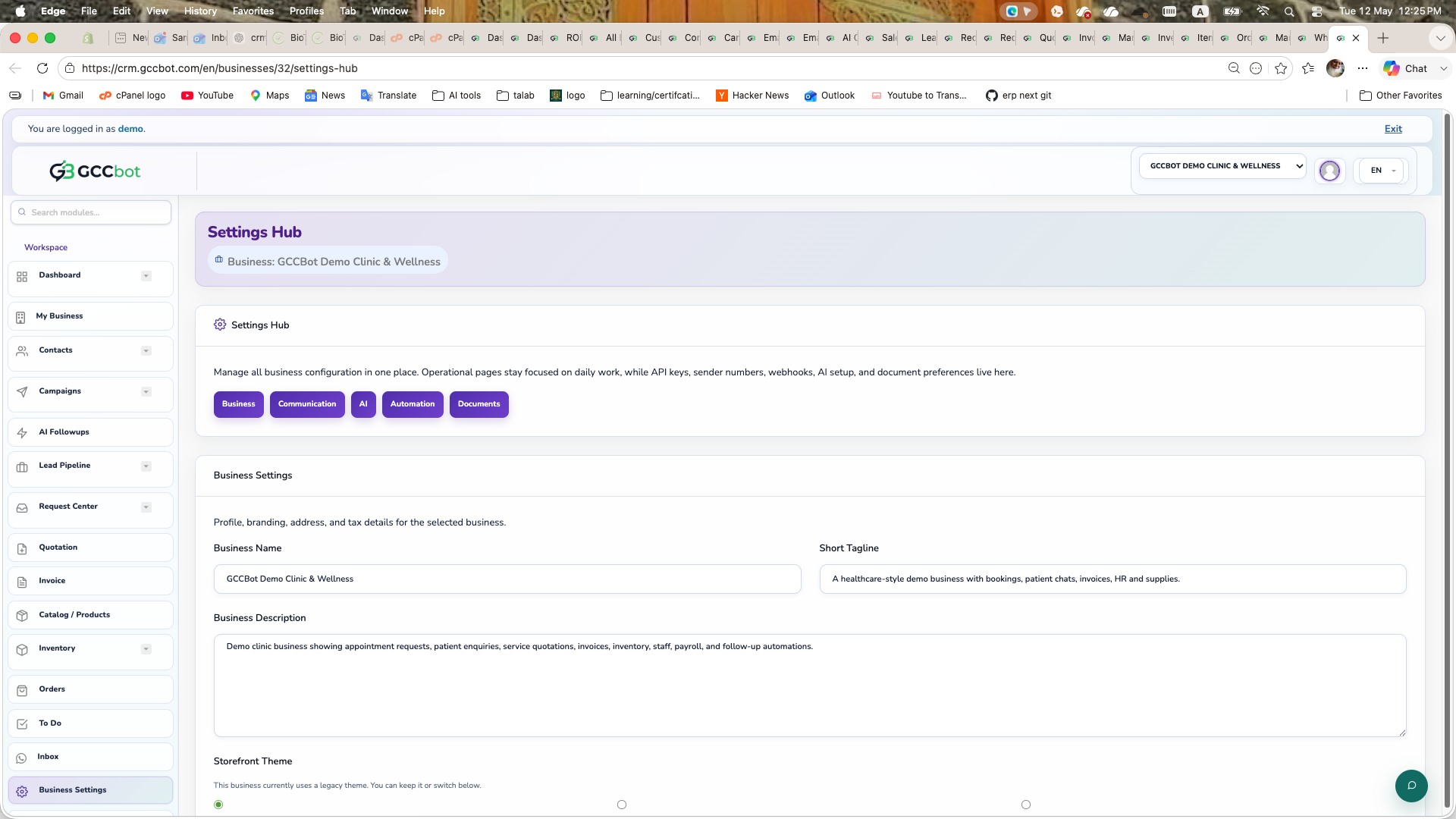
Business Settings and Currency Setup

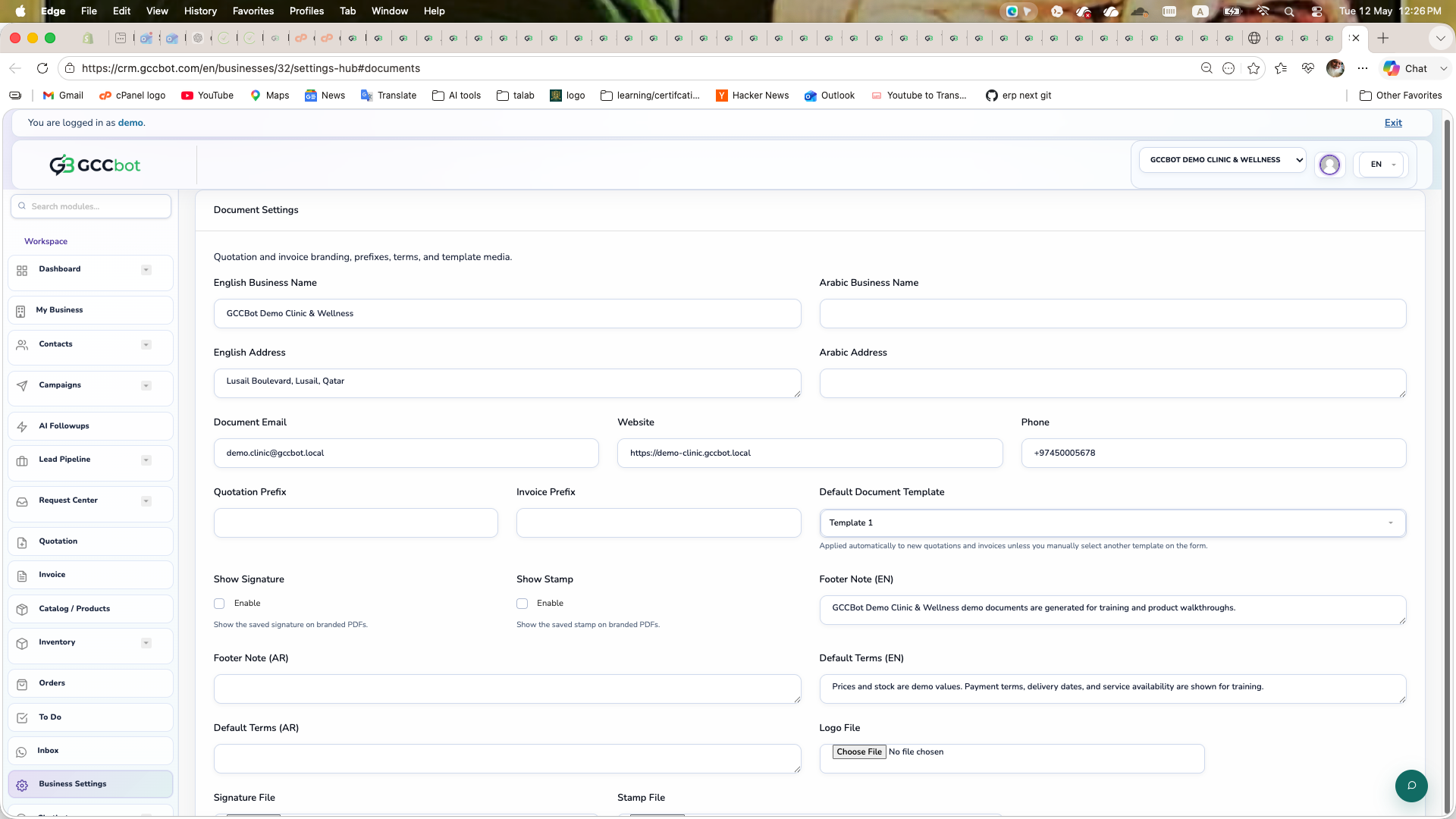
Configure business profile, currency, and defaults before going live.

Settings Checklist
  1. Open Business Settings.
  2. Set business identity details and contact info.
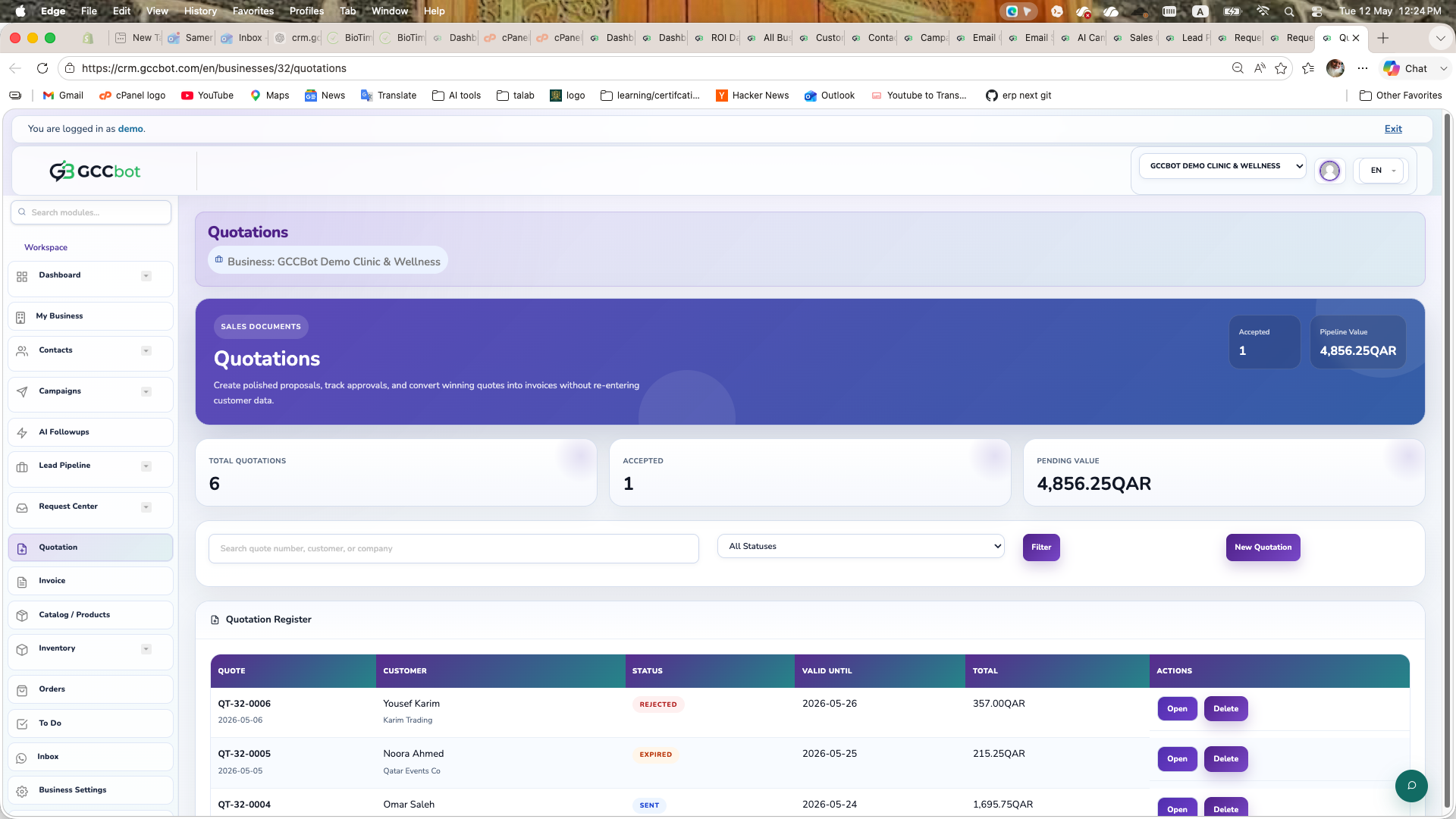
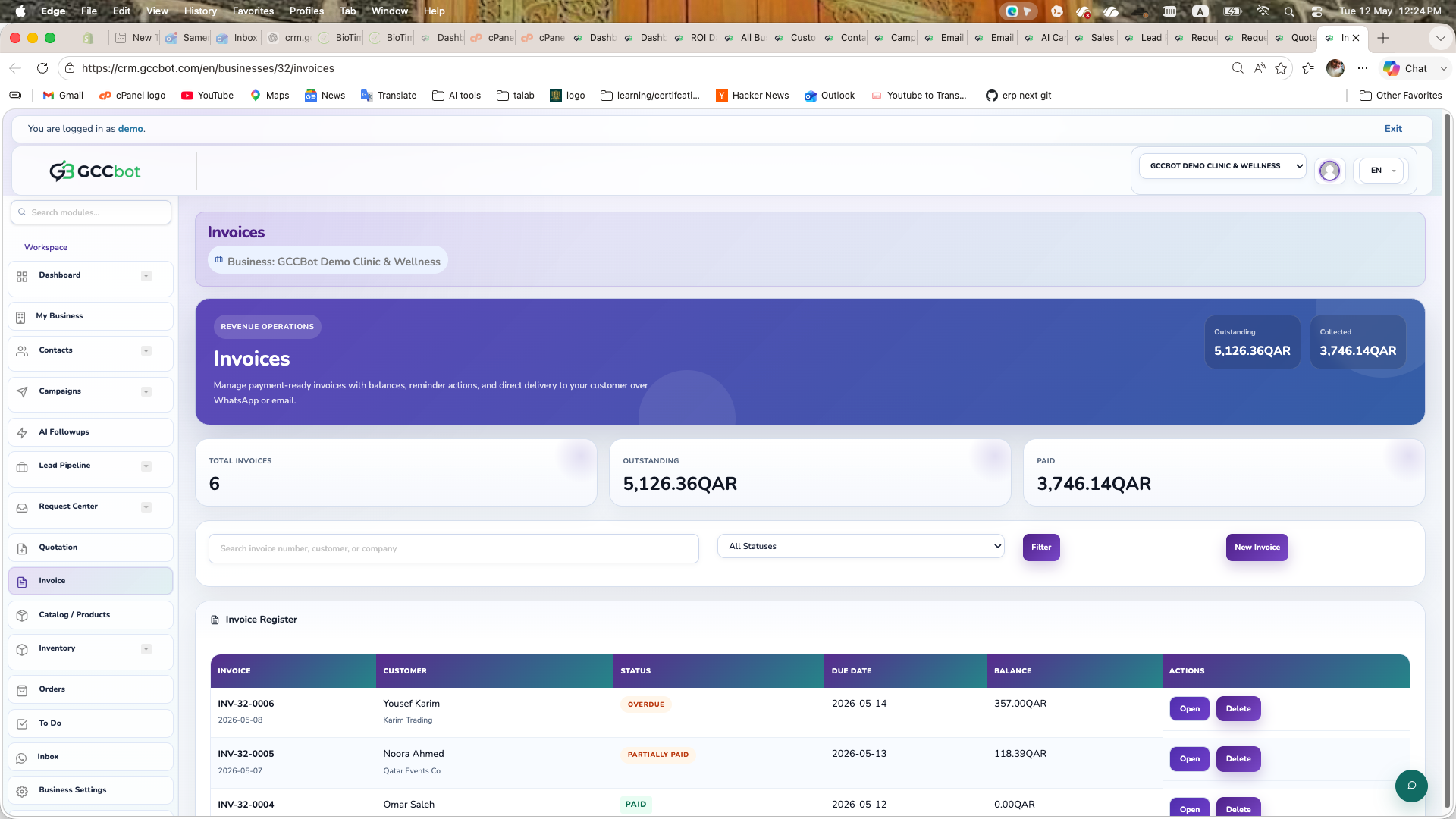
  3. Set currency and basic financial defaults.
  4. Save and verify invoice/quotation output values.

Multiple Businesses Setup

Manage more than one business from the same account context.

Add Multiple Businesses
  1. Use Add Business to create each business workspace.
  2. Switch active business from the business switcher.
  3. Verify catalog, contacts, and campaigns in the correct business context.

WhatsApp AI and Chatbot Configuration

Enable AI assistant behavior for automated responses and routing.

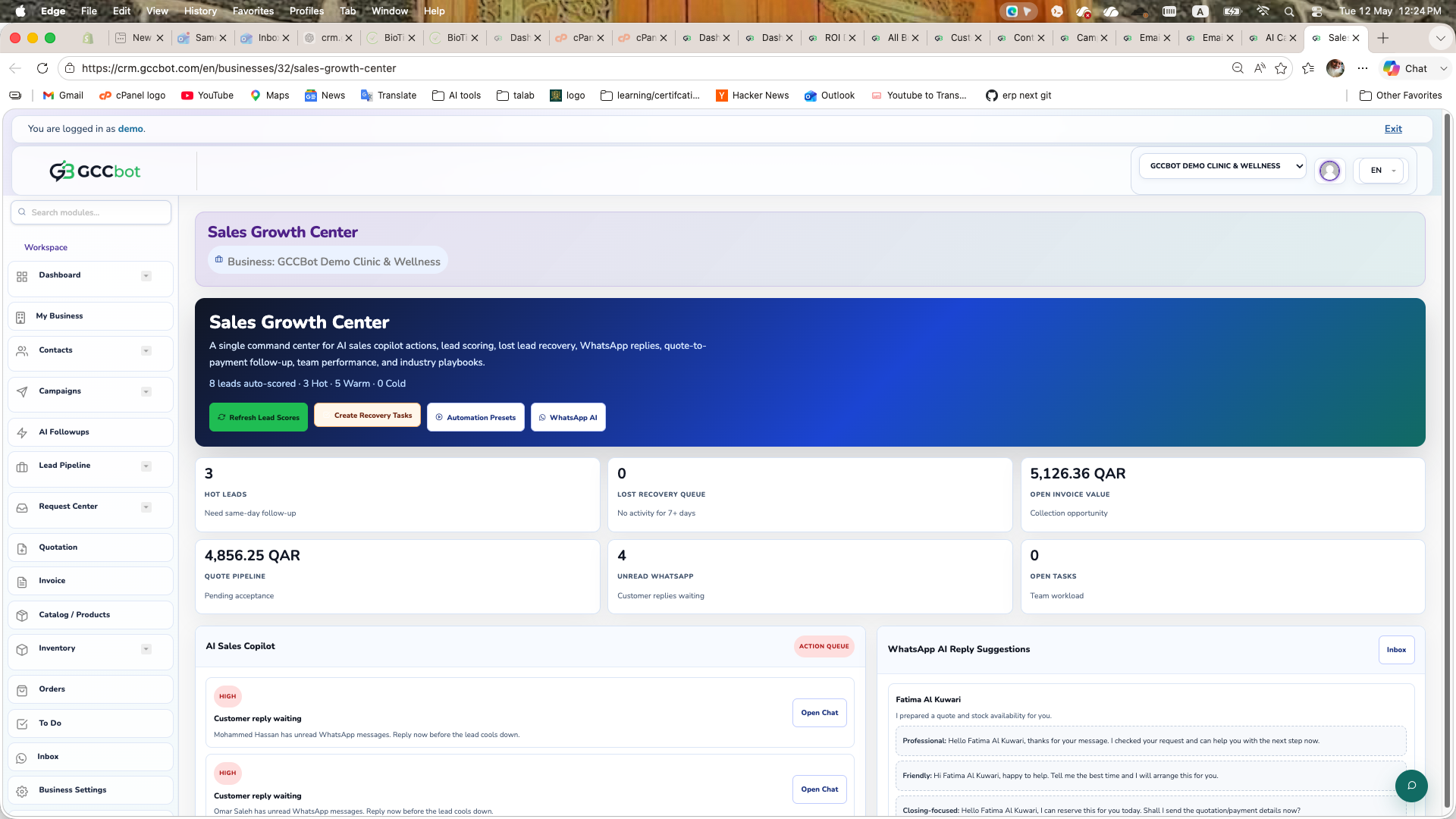
Configure WhatsApp AI
  1. Open WhatsApp AI module.
  2. Configure business summary, offers, and tone.
  3. Set knowledge priorities and sync sales knowledge if available.
  4. Set handover rules for manual agent takeover.

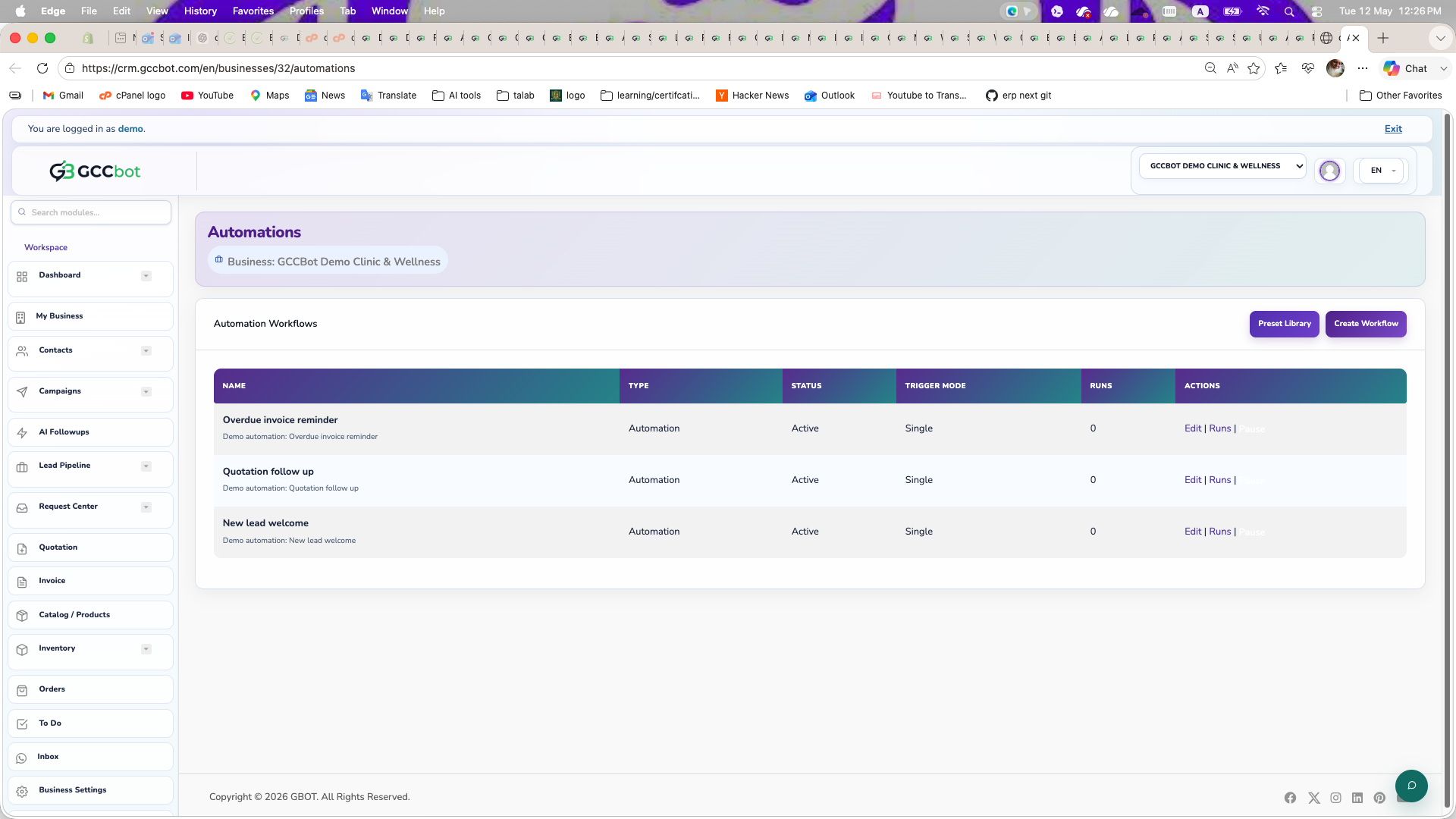
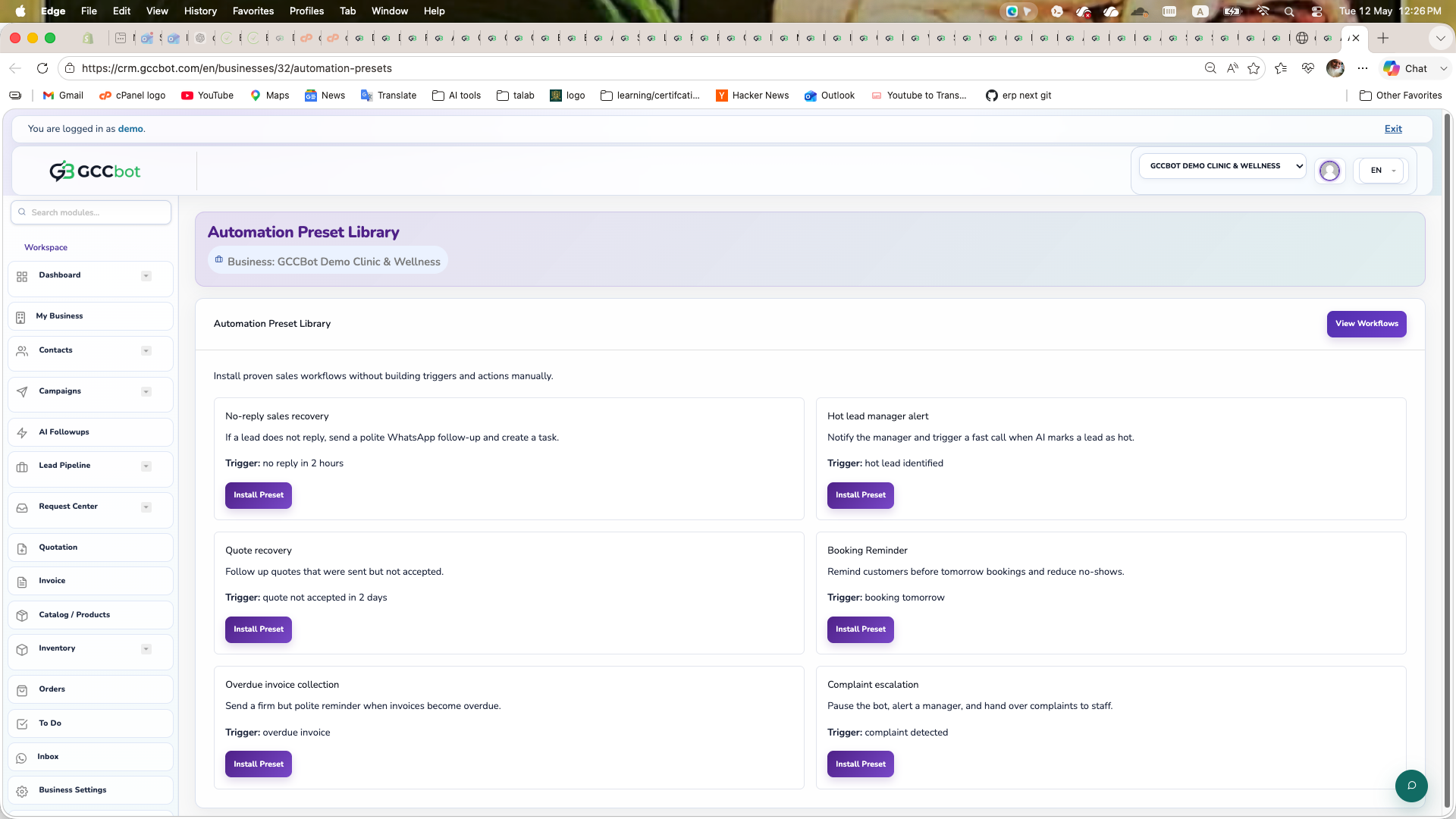
Automation and Payload JSON

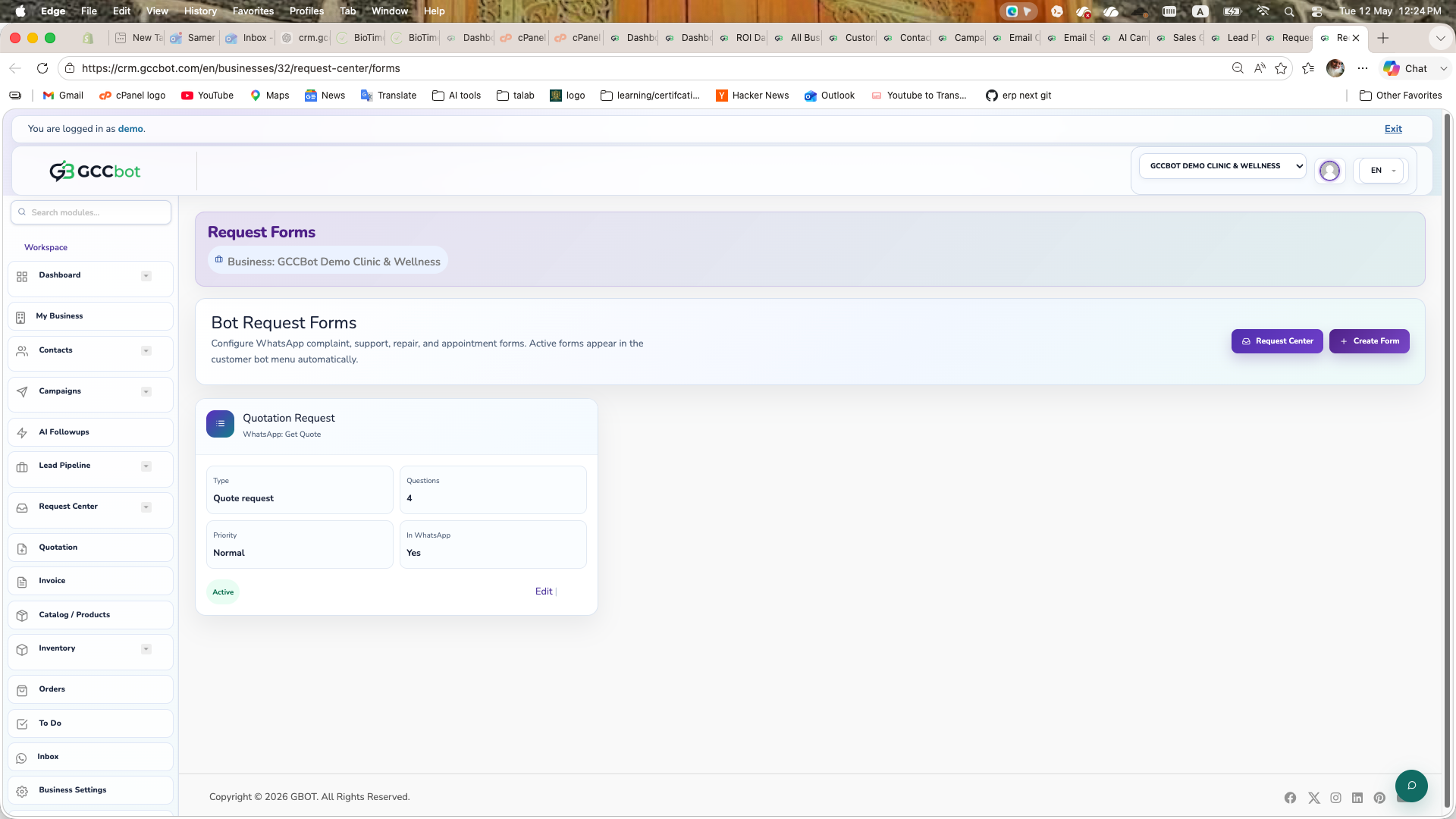
Create automation flows and attach JSON payload actions when required.

Automation Basics
  1. Open Automations module.
  2. Choose trigger, conditions, and actions.
  3. Test the flow using sample contacts.
  4. Activate automation after validation.
Payload JSON Note

For payload-based actions, paste valid JSON payload in the action settings and verify response mapping before enabling.

AI Call Agent

Set up AI call handling for outbound and inbound workflows.

Configure AI Call Agent
  1. Open AI Call Agent settings.
  2. Set greeting script, fallback behavior, and handover rules.
  3. Run test calls and review call logs.
  4. Enable for production after test validation.

Cookies

This website uses cookies to ensure you get the best experience on our website. Cookie Policy

Accept